
READ MY LATEST BLOG
Build a Perfect Tic Tac Toe App with Flutter & GetX | Full Tutorial with AI Robot & Friend Mode

23 Sep 2024
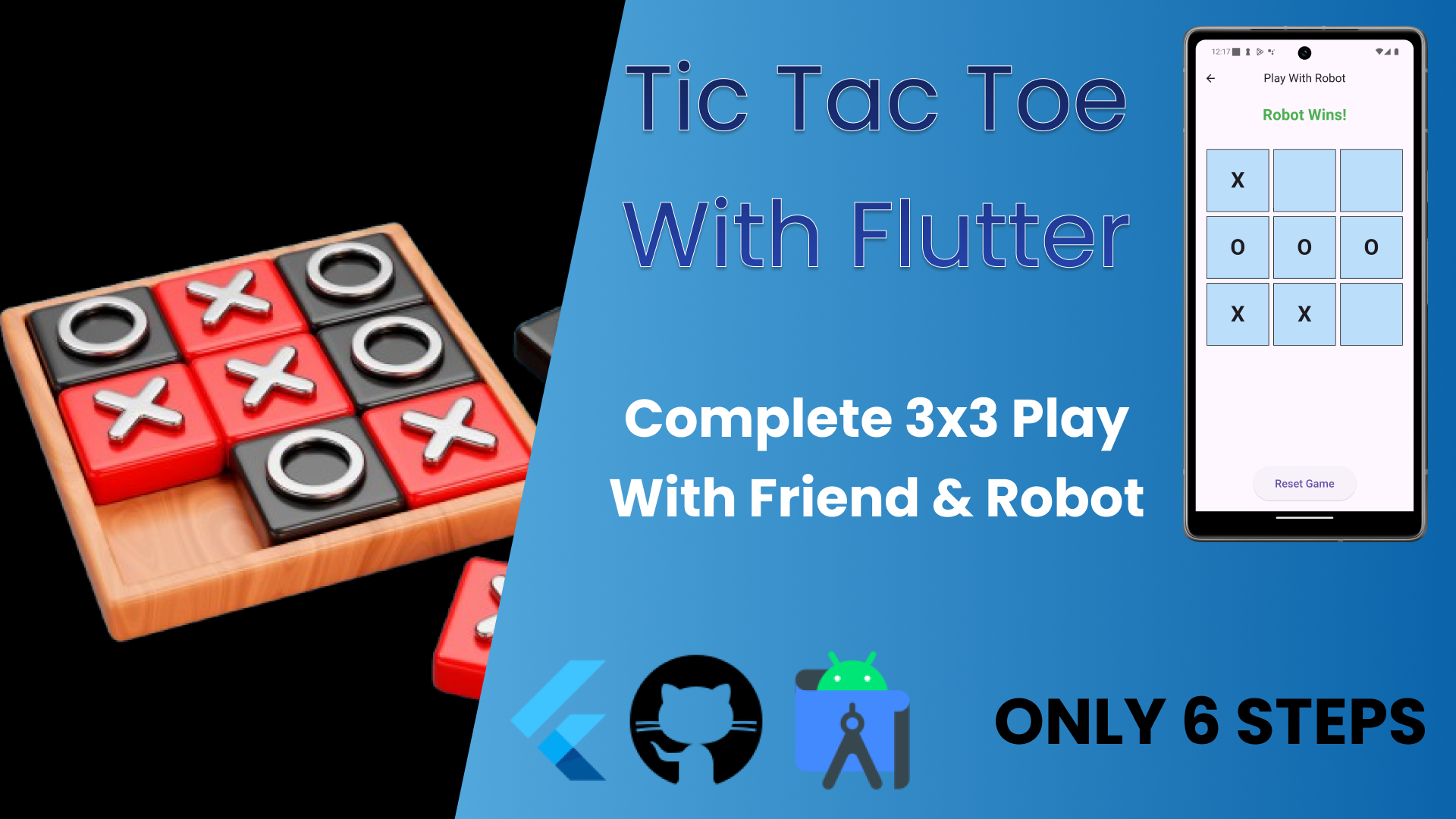
Welcome to HR Code Experts! In this video, you'll learn how to create a fully responsive, dynamic Tic Tac Toe game using Flutter and GetX for state management. We'll build two game modes: play against a robot (with an unbeatable AI) or play with a friend locally on the same device.
🚀 What You'll Learn:
How to use Flutter to create a responsive and polished UI
Implementing efficient state management with GetX
Creating a two-player mode for local multiplayer
Building an AI opponent using the Minimax Algorithm for unbeatable difficulty
Drawing a winning line animation when a player wins
📚 Full Project on GitHub:
Get the complete source code here: https://github.com/HetRMangukiya/TicT...
🔥 Key Features:
Play with Robot: Take on an advanced AI opponent with unbeatable difficulty!
Play with Friend: Local multiplayer where two players can compete on the same device.
Dynamic UI: Responsive design that adapts to any screen size using MediaQuery.
Canvas Line Animation: A visual indicator is drawn across the winning combination.
GetX State Management: Learn to manage game states efficiently with minimal boilerplate.
⏰ Timestamps:
0:06 Preview
0:27 main.dart
2:17 RobotPlayController
7:13 FriendPlayController
10:00 HomePage
11:40 FriendPlayPage
12:30 RobotPlayPage
🎥 More Videos on Flutter Development:
Create a Beautiful Login UI with Flutter
Complete Guide to GetX State Management in Flutter
🌟 Follow Me on Social Media:
YouTube: @HRCodeExperts
GitHub: https://github.com/HetRMangukiya
If you enjoyed the video, don’t forget to like, comment, and subscribe for more Flutter tutorials and development tips! 👍🔔
Share:
Categories
SQL
(9)
Node JS
(3)
Mongo DB
(2)
React JS
(2)
SEO
(2)
Flutter
(7)
Play Console
(2)
Ad Mob
(4)
Android
(4)
Swift
(1)
Marketing
(1)
Figma
(3)
AdSense
(1)
Photoshop
(2)
Ilustrator
(1)
PHP
(2)
Shopify
(3)
Laravel
(4)
Unreal
(2)