
READ MY LATEST BLOG
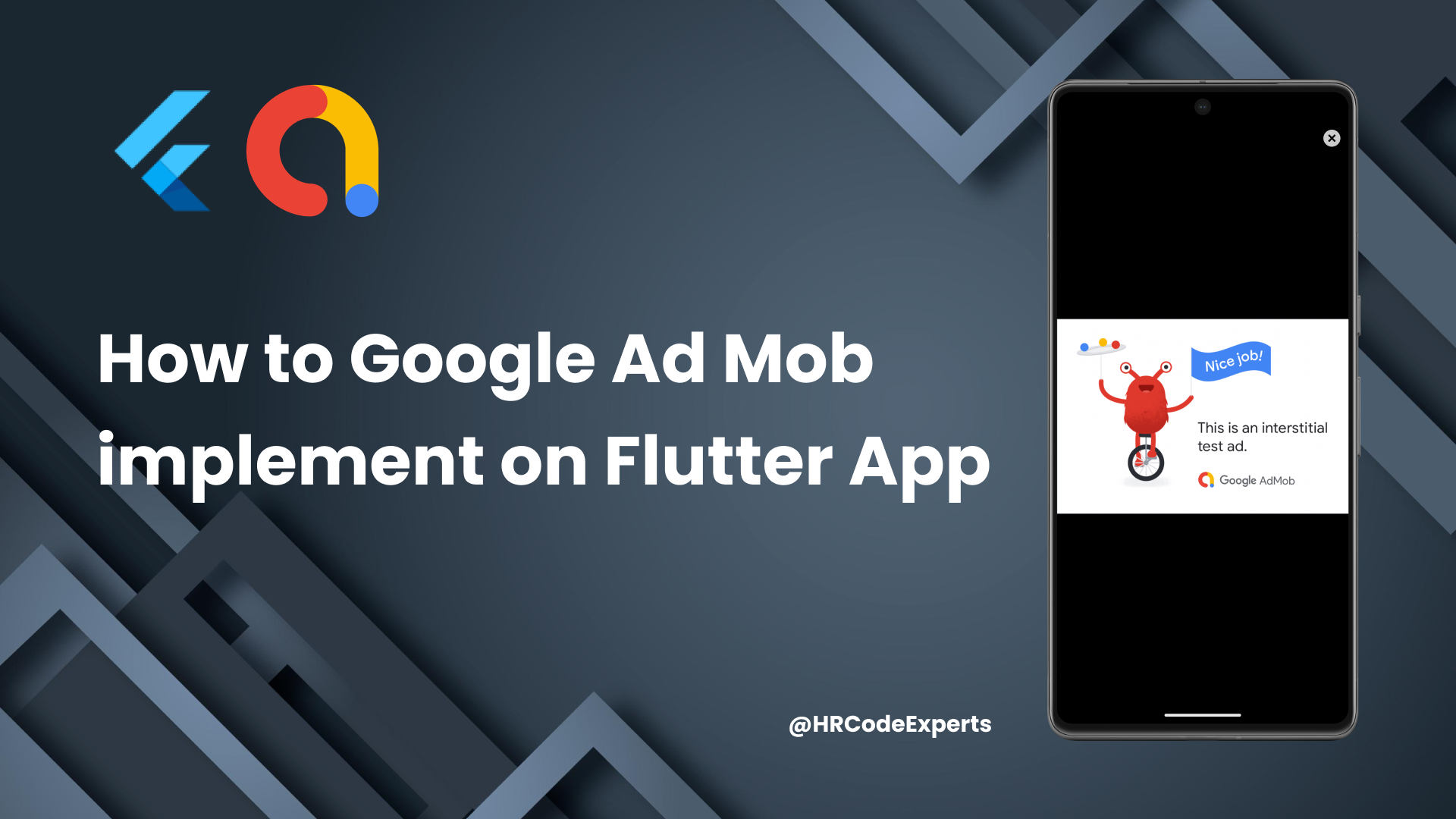
Boost Your Flutter App Revenue: Easy 6-Step Guide to Integrate Google AdMob in 2024 l HR CodeExperts

23 Sep 2024
In this video, we dive into integrating Google AdMob into your Flutter app to help you maximize your app's revenue potential. Whether you're a beginner or an experienced developer, our step-by-step guide will walk you through the entire process, from setting up your AdMob account to implementing ad units in your Flutter application. We'll start with a brief overview of what Google AdMob is and why it's a powerful tool for app monetization. Next, we'll guide you through creating your AdMob account and configuring ad units. You'll learn how to integrate the AdMob SDK into your Flutter project and set up the necessary permissions and dependencies. As we move forward, we'll demonstrate how to implement different types of ads, such as banner ads and interstitial ads, in your app. We'll also cover best practices for ad placement and frequency to ensure a positive user experience. Finally, we'll discuss some common issues you might encounter and how to troubleshoot them effectively. By the end of this video, you'll have a fully functioning AdMob integration in your Flutter app, ready to start generating revenue. Don't forget to like, share, and subscribe for more tutorials on mobile app development and stay updated with the latest trends and techniques! 📂 GitHub: Google_Ads_Flutter_App
Share:
Categories
SQL
(9)
Node JS
(3)
Mongo DB
(2)
React JS
(2)
SEO
(2)
Flutter
(7)
Play Console
(2)
Ad Mob
(4)
Android
(4)
Swift
(1)
Marketing
(1)
Figma
(3)
AdSense
(1)
Photoshop
(2)
Ilustrator
(1)
PHP
(2)
Shopify
(3)
Laravel
(4)
Unreal
(2)